One Photo, Many Crops: Finding Hidden Pictures in a Frame
- A single photo, especially a wide and detailed one, usually contains several distinct pictures with different subjects, moods and shapes.
- Changing the crop changes the story: the same street scene can become a wide sense of place, a vertical portrait of one person or a square detail.
- A reliable method is to list every possible subject, make each one the hero in turn, and test each candidate in two or three aspect ratios.
- Every extra crop must still have enough pixels for its use, so the widest, sharpest originals give you the most options.
“One photo, many crops” is the idea that a single frame often holds several different pictures. By changing which part you keep and in what shape, the same shot can become a wide scene, a portrait, a detail or a panorama — each with its own subject and story. Learning to see those options is one of the fastest ways to improve your photos.
Most people crop to fix something: a crooked horizon, a stranger at the edge, too much empty floor. That is useful, but it treats the crop as repair. The more interesting use is discovery — going back to a photo you already have and asking what else is in there.
Why does one photo contain several different pictures?
A camera records everything in front of the lens, but a picture is about something. When you shoot a wide street, a market or a landscape, you capture many potential subjects at once: people, signs, shadows, colors, shapes. The crop decides which of them becomes the subject and which become context — or disappear entirely.
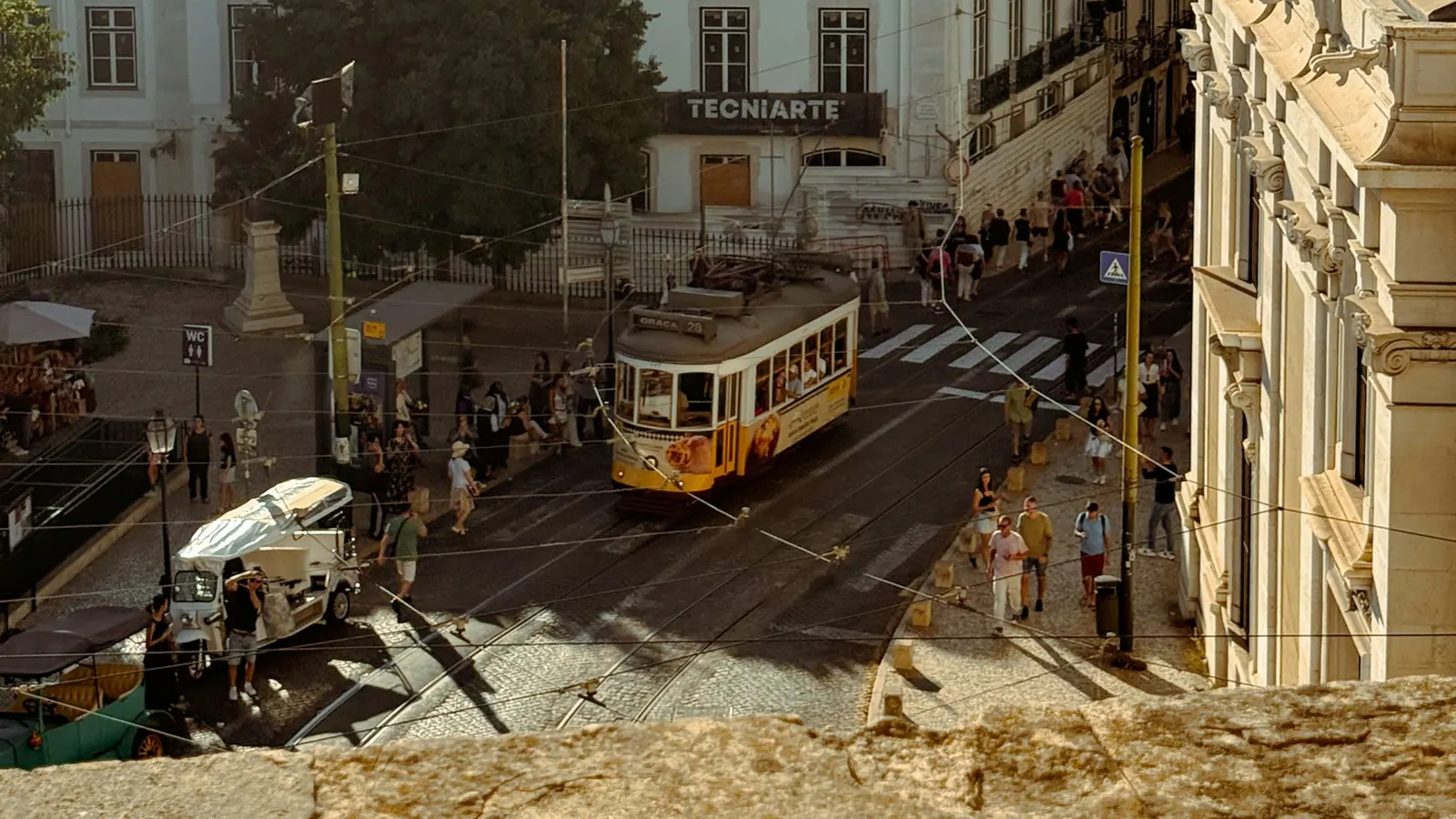
That decision changes more than the framing. Keep the whole street and the photo is about a place. Crop to one person walking through it and the photo is about that person. Crop tighter to their hand holding a paper cup and it becomes about a small, quiet moment. Same pixels, three different meanings. This is also why cropping is such good training for your eye; it is composition after the fact, without the pressure of a moving scene. If you want to build that skill deliberately, our guide to training your photographic eye pairs well with this one.
What kinds of crops can you pull from one frame?
The candidates fall into a handful of recognizable types. Knowing them gives you a checklist to run through instead of staring at the photo hoping for inspiration.
| Crop type | Typical ratio | What it emphasizes | Works well for |
|---|---|---|---|
| Wide scene | 3:2 or 16:9 | Place, atmosphere, relationships between elements | Travel stories, desktop backgrounds, prints |
| Vertical subject | 4:5 or 9:16 | One person or tall object, height, presence | Feed posts, stories, portraits |
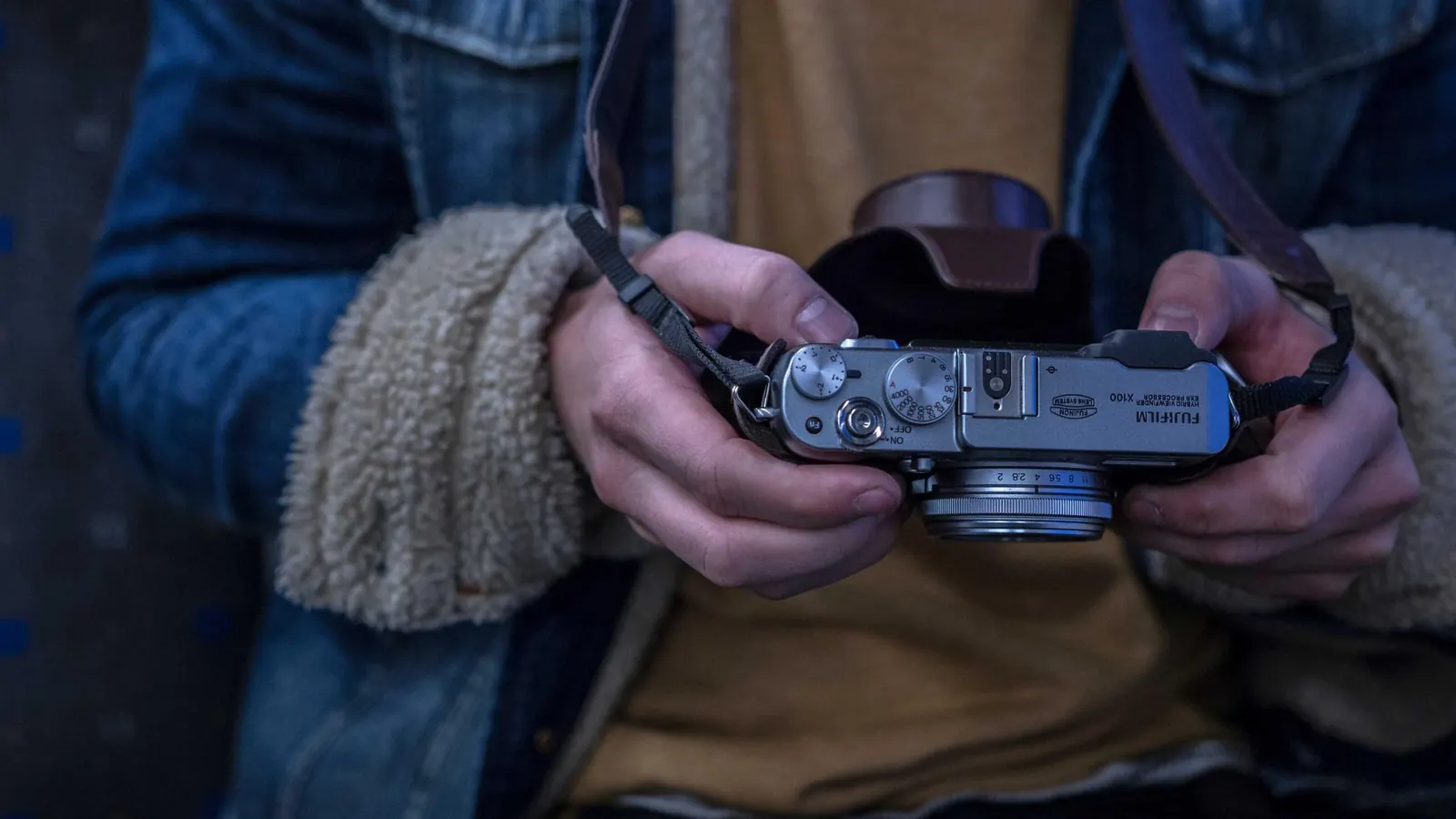
| Square detail | 1:1 | Texture, pattern, a single gesture or object | Grids, album covers, close details |
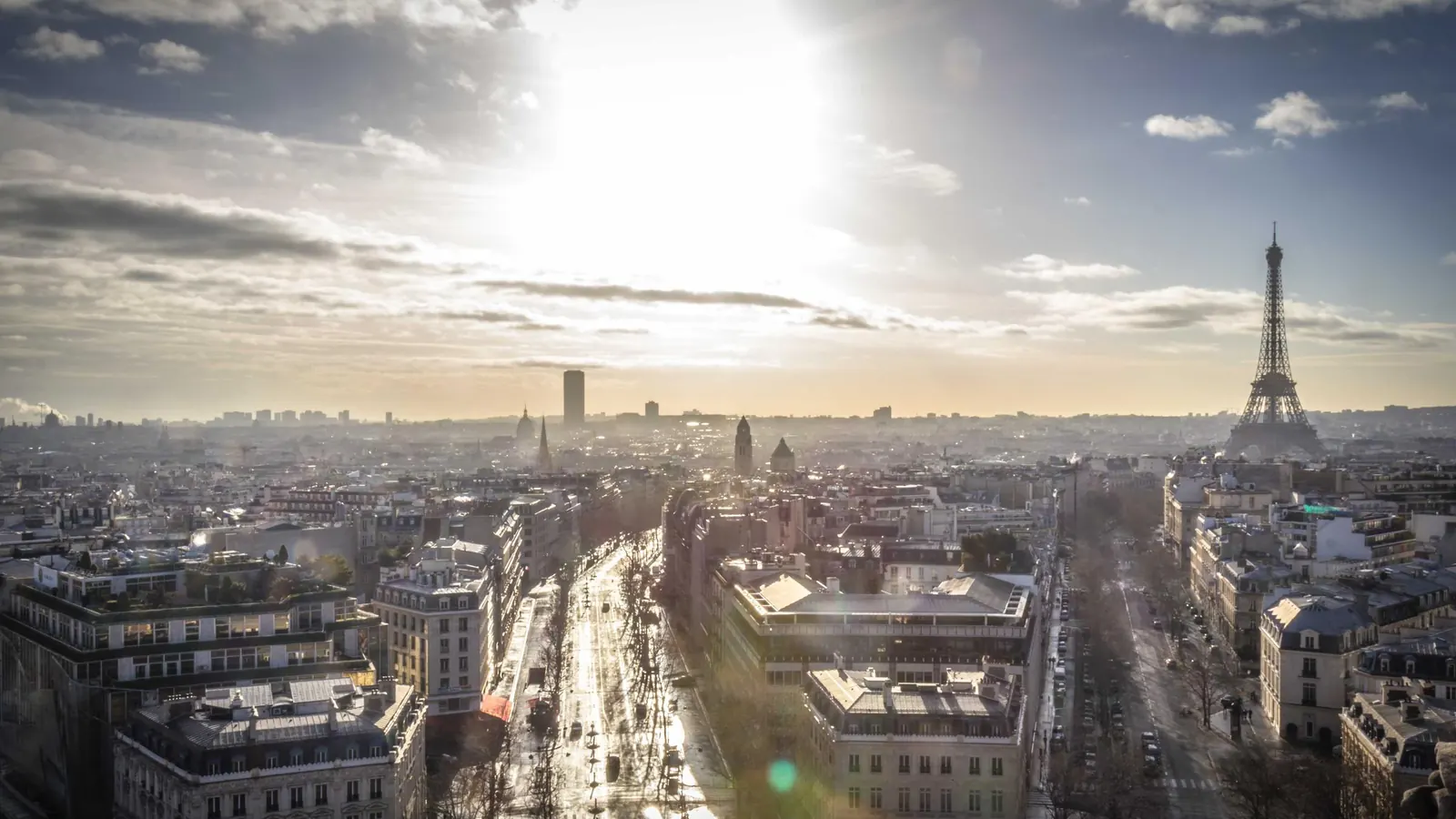
| Panoramic strip | 2:1 or wider | Horizontal rhythm: rooftops, a skyline, a row of people | Banners, headers, wide prints |
| Tight abstract | Any | Shapes, lines and color without obvious context | Series, art prints, visual variety |
Ratios change what a crop can do. A tall 4:5 frame naturally emphasizes a standing figure; a 2:1 strip turns a cluttered street into a clean band of facades. The trade-offs between shapes are covered in depth in our explainer on aspect ratios, and the exact sizes each platform expects are in our social media cropping guide.
How do you find the hidden crops in your photo?
Here is a repeatable method that works on almost any busy photo.
- List the subjects. Look at the photo for ten seconds and name everything that could carry a picture on its own: a face, a doorway, a strong shadow, a patch of color, a sign.
- Make each one the hero. For every item on your list, crop so it is clearly the subject. Place it off-center at first, roughly on a third, then try it centered if the scene is symmetric.
- Test two or three ratios. A crop that feels cramped in 4:5 may sing in 1:1 or 16:9. Switch ratios before you give up on a subject.
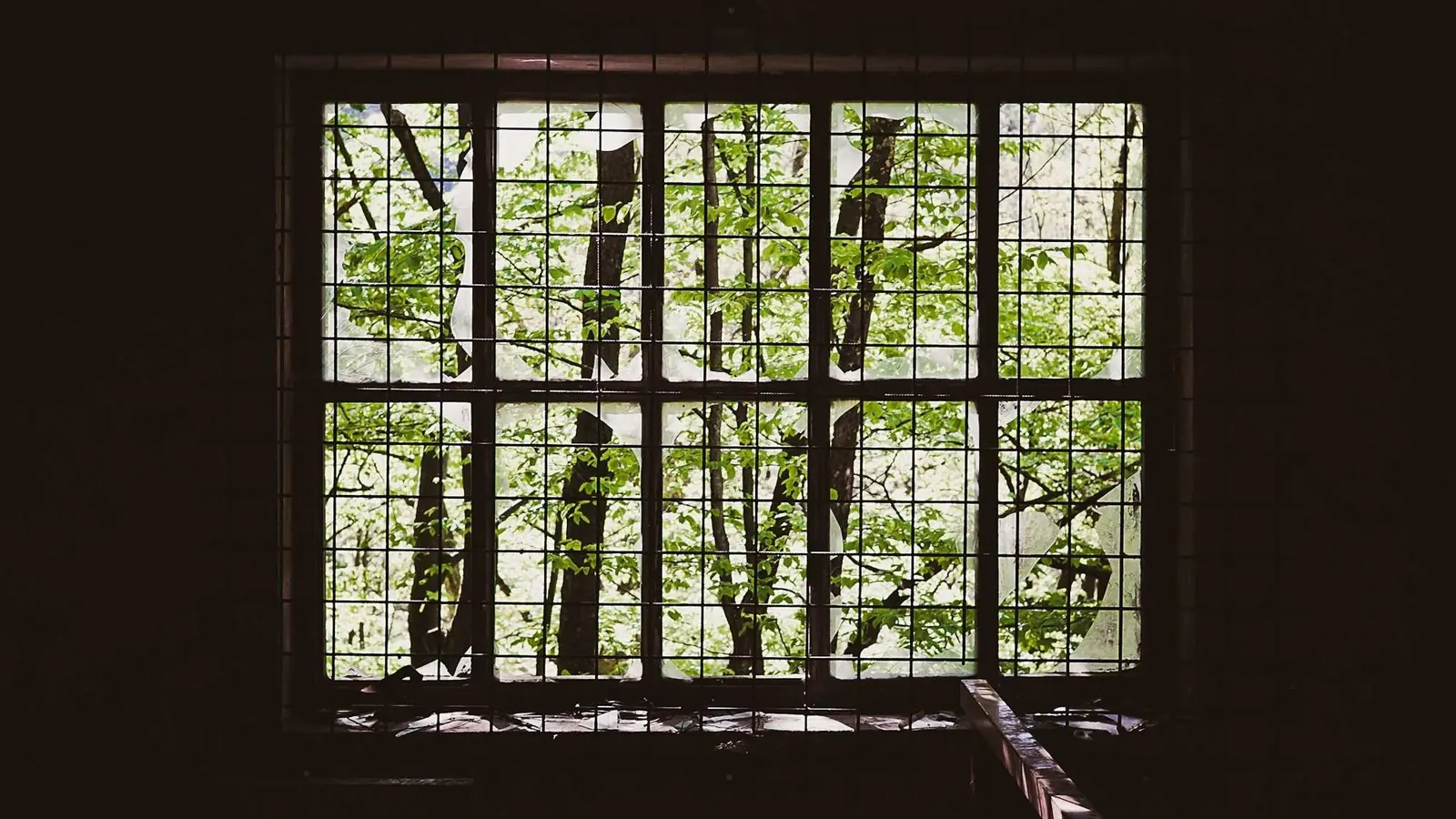
- Look for built-in frames and lines. Doorways, windows, arches and the gap between two buildings can become the edges of a new picture. Leading lines can point to a subject you had not noticed.
- Check the edges. Run your eye around the border of each candidate. Cut-off limbs, half a face, or a bright object touching the edge will drag attention out of the frame.
- Save each keeper separately. Do not overwrite the original; you will want it for the next crop.
The built-in frames in step four are a technique of their own — see frame within a frame for how to use them on purpose.
What does this look like on a real street photo?
Imagine a wide, sharp photo of a city street on a sunny morning. On the left is a café with people at small tables. In the middle, a cyclist crosses through a band of sunlight. On the right, a shop has a hand-painted sign above a green metal shutter. Tram wires cross the sky.
Crop one: the scene
Keep almost everything in 3:2, trimming only a slice of empty sky. This is the travel photo: it says “this is what the street feels like.” It works as a print or the opening image of an album.
Crop two: the cyclist
Switch to 4:5 vertical and place the cyclist on the left third, moving into the open space on the right. The sunlight band now becomes a stage. The café and shop drop out, and the picture becomes about motion.
Crop three: the sign
Go square and fill most of the frame with the painted sign and a strip of green shutter below. Context vanishes; color, lettering and texture take over. This is a detail that sits well in a grid next to the wide scene.
Crop four: the wires
Take a thin 2:1 strip from the top: rooftops and tram wires against blue sky. It is nearly abstract, a graphic pattern of lines. On its own it may feel slight, but in a series it gives the eye a rest.
Four crops, four purposes, one shutter press. Doing this by hand takes a few minutes per photo. WisWit was built around the same idea: it looks at a photo the way a photographer would, suggests several different crops inside it next to the original, and explains briefly why each one works, which makes it easier to learn what to look for yourself.
How do you choose between several good crops?
Finding crops is the fun part; choosing is where judgment comes in. Ask four questions of each candidate.
- What is it about? If you cannot name the subject in a few words, the crop is not finished.
- Where will it live? A vertical crop suits a phone feed, a wide one suits a print or a screen. Choose by destination rather than by habit.
- Does it have enough pixels? A tight crop from a 12 MP photo may be only 1–3 MP. That is enough for social media but not for a large print; how much you can crop a photo explains the numbers.
- Is it still honest? A crop can change meaning. Cutting out the crowd around one smiling person is fine for a portrait, but misleading if you present it as the mood of an event.
Often you will keep more than one. The wide scene and the detail, or the portrait and the strip, can work together in an album or a carousel, telling a fuller story than any single frame.
When does a photo not have more crops inside it?
Not every photo is a mine of hidden pictures. Tight portraits shot with a shallow depth of field have one subject and a blurred background; there is little else to find. Low-light or heavily zoomed phone shots already lack the detail to survive further cropping. And some photos only work as a whole: a lone figure in a vast landscape loses its meaning the moment you crop away the emptiness, as our piece on negative space explains. Recognizing these cases saves time and keeps you from forcing crops that are weaker than the original.
Try the five-crop exercise
Pick one wide, sharp photo with a lot going on — a street, a market, a beach. Your task is to find five crops that each stand on their own: one wide, one vertical, one square, one panoramic strip and one abstract. Save each as a separate photo and place them side by side with the original. You will probably find that at least one crop beats the full frame, and that the exercise changes how you shoot next time: you will start noticing the smaller pictures while you are still standing in the scene. For the fundamentals behind every crop you try, keep our complete cropping guide nearby.
Frequently asked questions
Is it bad practice to make several crops of the same photo?
No. Photographers routinely make several versions of one frame for different uses, such as a wide print, a vertical post and a square detail. The key is to keep the original untouched and save each crop as its own file. Just make sure each version is honest about the scene and has enough resolution for where it will be used.
Which photos have the most hidden crops in them?
Wide, sharp, detailed photos taken in good light give you the most options. Street scenes, markets, landscapes with several layers and group photos often contain multiple subjects, lines and color areas. Tight portraits with blurred backgrounds, low-light shots and heavily zoomed images usually contain fewer viable crops because there is less detail and fewer distinct subjects to build on.
How many crops should I post from one photo?
It depends on the story. For a carousel or album, two to four crops that each show something different, such as the wide scene, a person and a detail, usually work better than many similar versions. Avoid posting crops that repeat the same subject at slightly different sizes; each one should give the viewer a new piece of information.
Should I shoot wider on purpose so I can crop later?
A little wider than you think you need is often wise, because it leaves room to straighten, recompose and find alternative crops. But shooting far too wide wastes resolution, since every tight crop throws away pixels. A good compromise is to frame your main idea while leaving some margin around it, especially when the scene is moving.
Does cropping change the meaning of a photo?
It can, sometimes dramatically. Removing context can turn a crowded event into an intimate moment or isolate a gesture so it reads differently. For personal and artistic work this is a creative tool. For news, documentation or anything presented as a factual record, avoid crops that remove context the viewer needs to understand what actually happened.