Portrait Photos With a Phone: Light, Lens and Posing
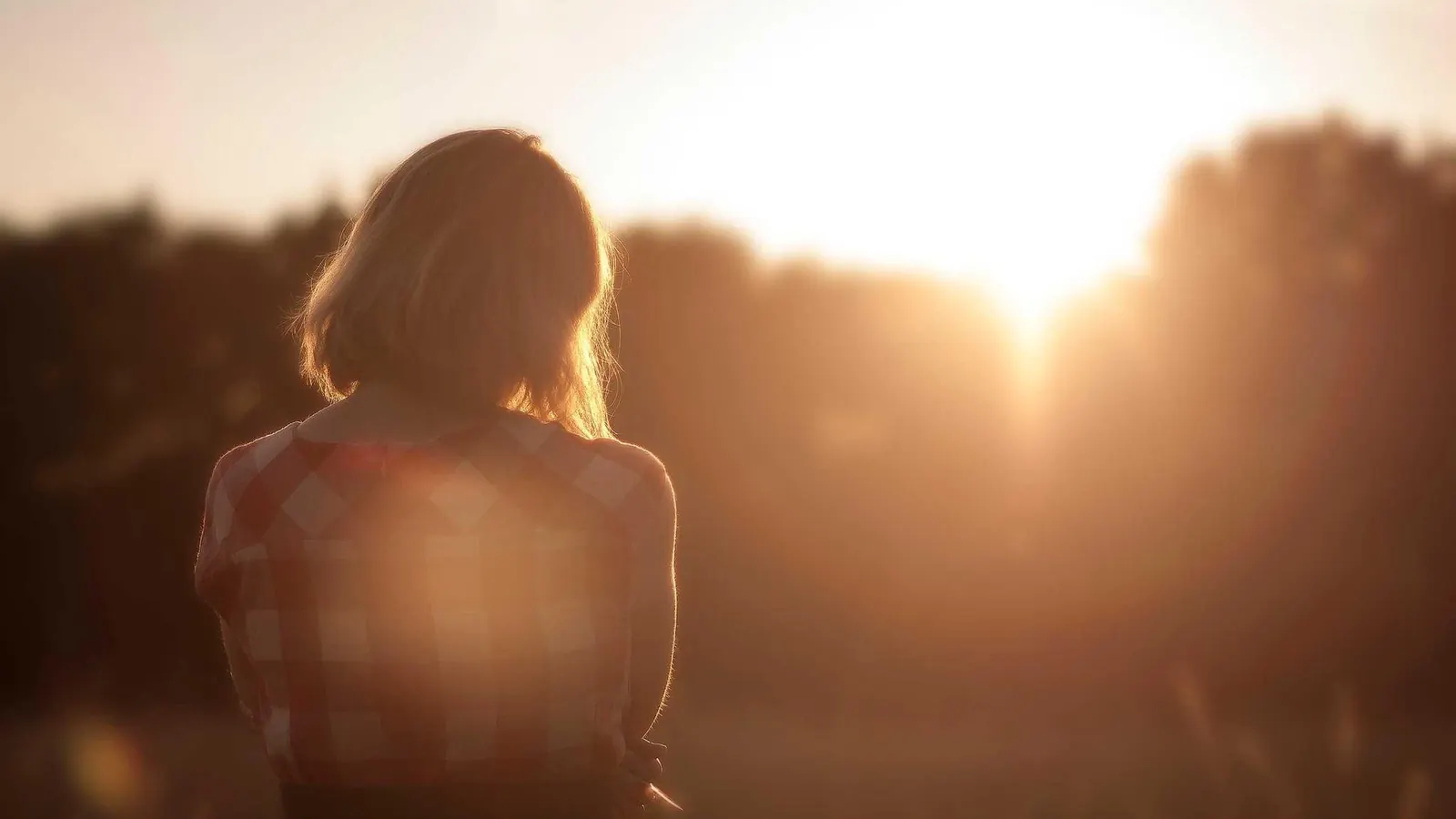
- Light shapes a portrait more than any phone setting, and soft window light or open shade flatters almost everyone.
- The 2x or 3x lens, or stepping back with the main lens, avoids the enlarged nose and stretched features of close wide-angle shots.
- Portrait mode can blur backgrounds convincingly but often fails around hair, glasses and fine edges, so check the edges before saving.
- Talking, giving simple tasks and shooting in short bursts relax people far more than asking them to smile.
A good portrait photo with a phone comes from three choices: soft light on the face, a lens that does not distort features, and a relaxed subject. Put the person near a window or in open shade, step back and use the 2x or 3x lens if you have one, focus on the eyes and keep talking while you shoot.
Phones are excellent portrait cameras once you understand their quirks. This article goes deeper on people photos than our general guide to taking photos with a smartphone, and it works whether your subject is a friend, a parent or yourself on a timer.
What light is best for portraits with a phone?
Light is the single biggest difference between a snapshot and a portrait. Faces look best in light that is large and soft relative to the person, because it wraps around features and fills in wrinkles and blemishes gently. Small, hard light such as direct midday sun creates squinting eyes, dark eye sockets and harsh shadows under the nose.
| Situation | Where to place the person | What you get |
|---|---|---|
| Window on a cloudy day or out of direct sun | Facing the window, or turned about 45 degrees to it | Soft, flattering light with gentle shadow on one side |
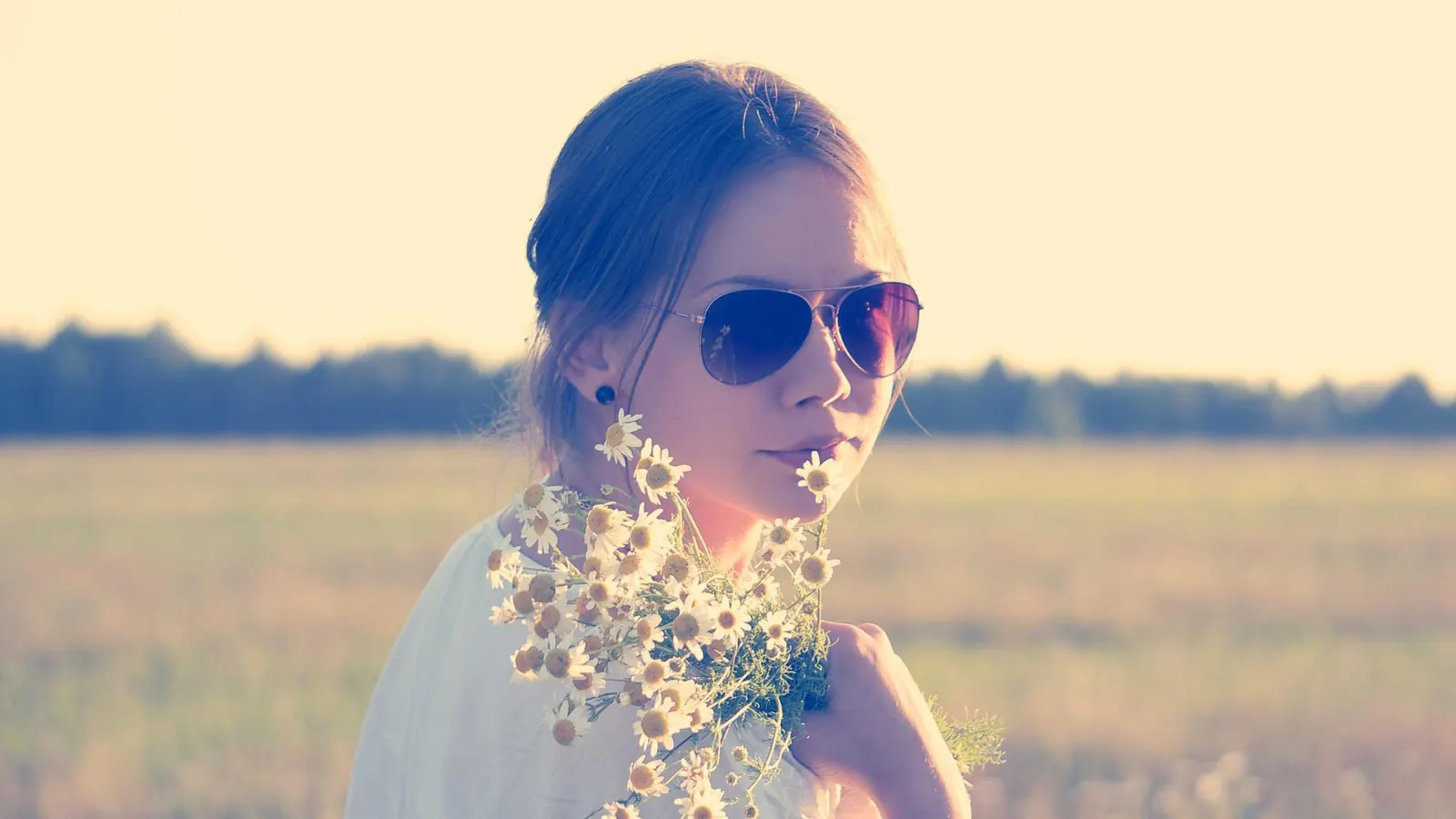
| Bright sunny day | In open shade at the edge of a building or under a tree, facing the bright open area | Even light, no squinting, clear catchlights in the eyes |
| Golden hour | Sun behind or to the side of the person | Warm rim light in the hair; expose for the face |
| Indoors at night | Close to the largest lamp, ideally shaded or bounced off a wall | Warmer tones; watch for noise and mixed colors |
| Direct overhead sun with no shade | Back to the sun, face in its own shadow | Workable in a pinch; brighten the face slightly when editing |
Look for the catchlight, the small reflection of the light source in the eyes. If you can see it, the eyes will feel alive. If the eyes look dark and empty, turn the person slightly toward the light. The low warm light described in our guide to shooting in golden hour is especially kind to skin.
Which phone lens should you use for portraits?
The closer a lens is to a face, the more it exaggerates whatever is nearest: noses grow, ears shrink and foreheads bulge. The main 1x lens on most phones is fairly wide, so filling the frame with a face means standing very close, which is exactly what causes that distortion. The ultra-wide lens is even worse for faces near the frame edges.
- Use the 2x or 3x lens if your phone has one. It lets you stand farther back, and that distance produces more natural proportions.
- No telephoto? Step back and shoot a half-body framing with the 1x lens, then crop closer later. You lose some resolution, but faces look far more like themselves.
- Keep the phone around eye level. Shooting from far below adds chins and nostrils; from far above, it makes people look small. Slightly above eye level is usually flattering.
- Selfies: extend your arm fully or use a timer and a stable surface. The front camera is wide too, so distance helps.
Should you use Portrait mode?
Portrait mode simulates the shallow depth of field of a large camera by estimating depth and blurring the background. When it works, it separates the person from a busy background beautifully. It also has predictable weak spots:
- Loose hair, glasses, earrings and hands near the face can get cut out or blurred by mistake.
- Gaps between arms and body sometimes stay sharp while everything around them is blurred.
- Very strong blur settings look artificial, especially on full-body shots where the ground should blur gradually.
Use it with a moderate blur level and zoom into the edges before you save. Many phones let you adjust or remove the blur afterward, so nothing is lost. Often a better fix is physical: move the person several steps away from the background. Real distance produces real blur, even without the mode, and gives you a cleaner frame with more negative space around the subject.
How do you take a window-light portrait step by step?
- Choose the window. Bright, but without direct sun hitting the person. Turn off room lights so colors stay consistent.
- Place the person. Have them sit or stand a step or two from the window, turned partly toward it so one side of the face is slightly darker.
- Check the background. A plain wall or a dim room behind them keeps attention on the face. Remove clutter you will regret later.
- Frame and focus. Tap on the nearest eye. Long-press to lock focus and exposure if the camera keeps hunting.
- Adjust brightness. Slide exposure down slightly if the bright side of the face looks washed out.
- Talk and shoot. Take a short burst of frames while chatting; the best expression often comes between poses.
How do you help people relax in front of the camera?
Most people stiffen the moment a lens points at them. Asking for a smile makes it worse. Instead:
- Give them something to do. Holding a cup of coffee, adjusting a sleeve, looking out of the window or walking toward you gives the body a natural purpose.
- Keep talking. Ask about something they enjoy. Real expressions appear during and just after laughter.
- Shoot in short bursts. Blinks and half-expressions are normal; the frame just after them is often the best.
- Show a good frame early. Seeing that they look good builds confidence immediately.
- Small posing tweaks: weight on the back foot, shoulders slightly angled, chin gently forward and down, hands doing something rather than hanging.
For candid portraits of strangers or people on the move, the approach is different; street photography with a phone covers how to work quietly and respectfully.
How should you crop and edit a phone portrait?
Cropping decides whether a portrait feels intimate or distant. Leave a little room in the direction the person is looking, keep the eyes roughly in the upper third of the frame, and avoid cutting exactly at joints such as wrists, elbows or knees. Our guide on how to crop portraits walks through head shots, half-body and full-length framings.
Edit skin with care. Small corrections to exposure and white balance usually do more than any retouching, and the guidelines in natural photo editing apply doubly to faces: if the person would not recognize their own skin, you went too far. WisWit can suggest several crops from a portrait and explain each one, and it never alters faces or generates new pixels, so the person stays exactly as they were.
Try this portrait exercise this week
Ask one person for ten minutes near a window. Take five photos with the 1x lens from close up and five with the 2x lens or from a few steps back, all in the same light. Then compare them side by side. Next, turn the person to face the window, then 45 degrees, then 90 degrees, and see how the shadows change the shape of the face. Ten minutes of comparison will teach you more about portrait light and lenses than a stack of tutorials.
Frequently asked questions
Why do my selfies make my nose look bigger?
The front camera is a wide-angle lens, and holding it close to your face exaggerates whatever is nearest, usually the nose. Your face is not distorted in reality; the perspective is. Hold the phone farther away, use a selfie stick or a timer on a stable surface, or ask someone to photograph you with the rear 2x lens from a few steps back. Proportions will look much more natural.
Is Portrait mode better than a normal photo for portraits?
Not always. Portrait mode helps when the background is busy and you want the person to stand out, but it can make mistakes around hair, glasses and hands, and strong blur looks artificial. A normal photo with the person standing well away from a plain background often looks more natural. Try both, check the edges, and choose the version that looks true to the scene.
What is the best time of day for outdoor portraits?
The hour after sunrise and the hour before sunset give soft, warm, low light that flatters skin and adds glow to hair. On cloudy days, almost any time works because clouds act like a huge diffuser. At midday under a clear sky, move into open shade, such as the shaded side of a building, so the person does not squint and the face lights evenly.
How do I take a good portrait of someone who hates being photographed?
Keep it short, low-pressure and conversational. Give them a task, such as making tea or reading, so attention moves away from the camera. Shoot from a little farther back with the telephoto lens, which feels less intrusive. Take several frames quietly instead of announcing each shot, and always show them the results first and delete any they dislike, which builds trust for next time.
Where should I focus in a portrait?
Focus on the eye nearest to the camera. Viewers look at the eyes first, and a sharp near eye makes the whole portrait feel sharp even when other areas are soft. On a phone, tap that eye on the screen, or long-press to lock focus and exposure. Many phones detect faces and eyes automatically, but confirm the focus box is on the face before you shoot.